
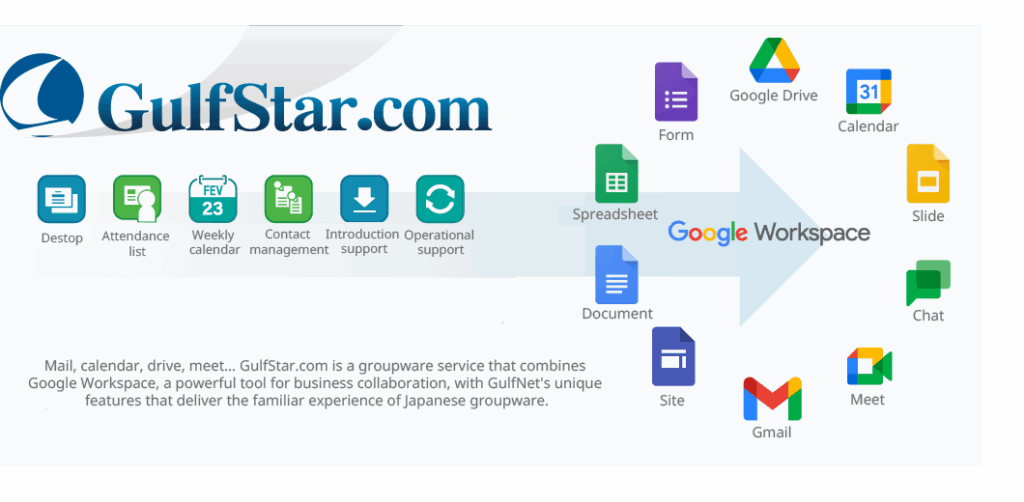
GulfStar.com is GulfNet’s proprietary Google Workspace provision service, offering Google Workspace at the standard Google Workspace price but with GulfNet’s unique support features added. For those accustomed to using Japanese-made groupware, the transition to Google Workspace can present a significant difference in usability, often leading to unexpected issues during the initial deployment phase.
However, Google Workspace is a highly compelling service with powerful features like document co-editing and video conferencing among multiple employees. The unique features provided by GulfStar.com enable companies that are used to Japanese groupware to seamlessly transition to Google Workspace. We will now introduce the various functionalities of GulfStar.com (encompassing both Google Workspace and GulfNet’s proprietary features).
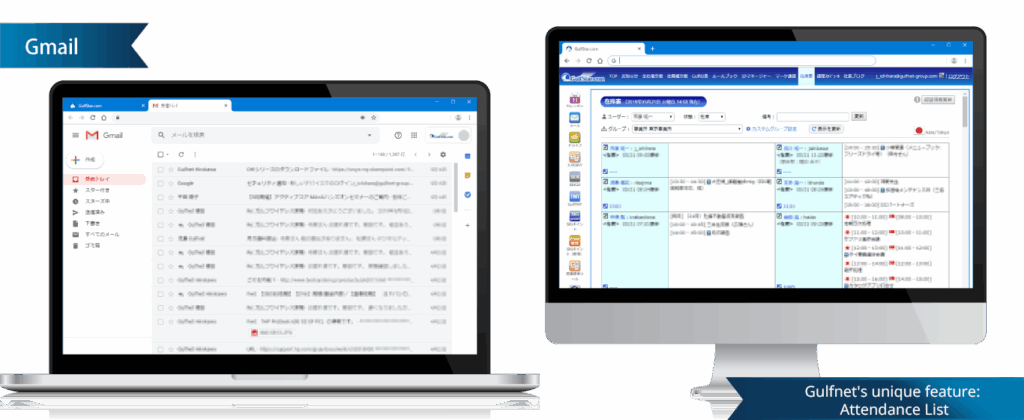
Powerful Collaboration Features of Google Workspace
Whether using a PC browser, or smartphone or tablet apps, you can communicate via email, coordinate schedules using Calendar, chat and hold video conferences with Chat and Meet, and co-author spreadsheets and slides in real time using Drive. Google Workspace possesses powerful functionalities that efficiently drive business both within and between companies.
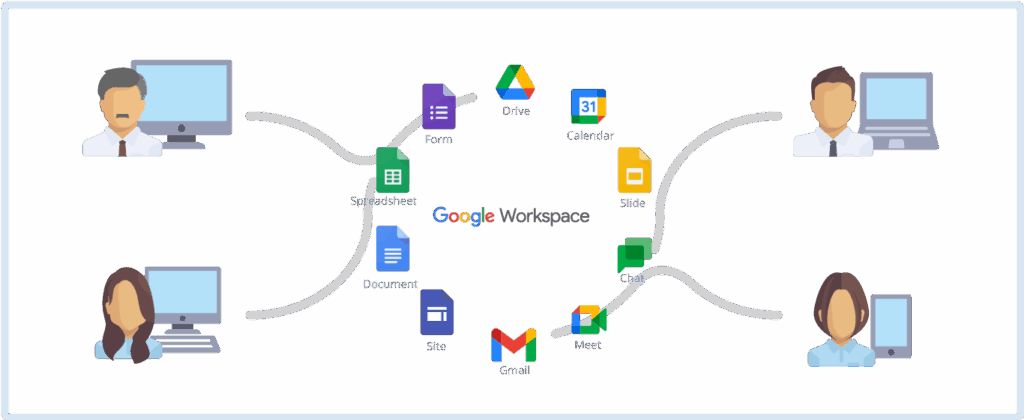

Unlike the free Gmail service, you can conduct email correspondence using your corporate domain email address. You can store a maximum of 30GB of sent and received emails with attachments per user on Google’s cloud, in addition to files saved in Drive.

Calendar
The standard calendar view features a vertical-type weekly display, similar to a Quo Vadis planner. Beyond managing your own schedule, you can use it to check the availability of other team members, coordinate meeting times, and book internal resources such as conference rooms.

Chat and Meet
You can conduct real-time discussions between remote locations using text chat and video conferencing that supports up to 25 participants.

Drive, Docs, Sheets, Slides, and Forms
Drive allows you to store and share up to 30GB of files with other team members, in addition to your email data. Using Docs, Sheets, and Slides, you can create documents, spreadsheets, and presentation slides in real-time, either individually or collaboratively with other team members, without requiring Office software. You can also create Forms to conduct surveys both internally and across the internet.

Sites
With simple operation and no programming knowledge required, you can create a corporate portal site to share information with employees and external stakeholders. This allows you to embed information created using other features, such as Documents and Calendar.

Administration
Unlike the free version, Google Workspace allows administrators to centrally manage the registration and permissions for all users within the company. Enterprise-grade security features such as Single Sign-On (SSO) and Two-Factor Authentication (2FA) are available for use.
GulfNet’s unique support features and services enhance the usability of Google Workspace.
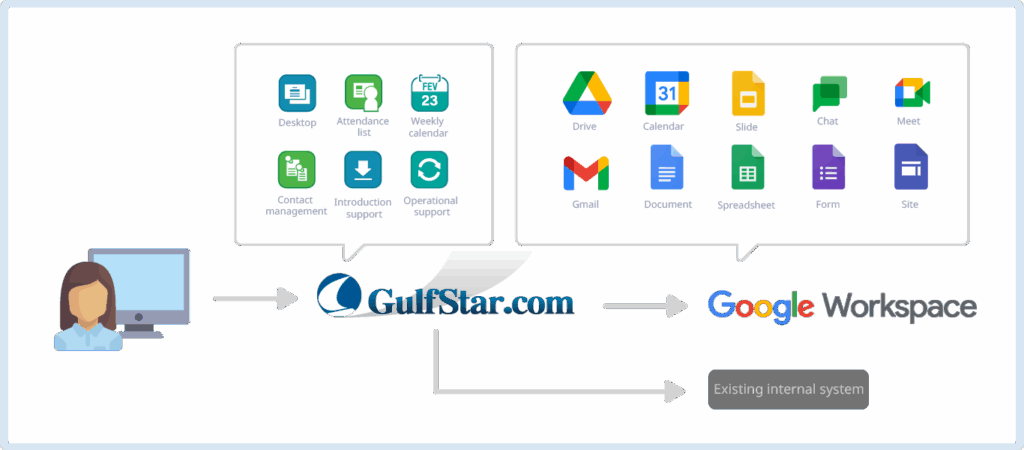
Our proprietary features—including a custom-developed portal screen that mirrors the look and feel of Japanese groupware, organization-based attendance charts, and specialized weekly calendars—ensure that users familiar with Japanese groupware can easily transition to Google Workspace.
These unique features operate in close cooperation with each core function of Google Workspace. Furthermore, these enhancements are provided free of charge to all companies that order Google Workspace through GulfNet.

Desktop
This is the portal screen for easy access to all IT systems and information within the enterprise. You can set up the icons on the left to launch access to various Google Workspace functions and other internal corporate systems with a single click. You can also configure the top tabs to display information from various Google Workspace functions and other internal corporate systems in the central panel.

Attendance Chart
This feature allows you to group Google Workspace users by department or other criteria to update the attendance status (e.g., in/out/away), check their schedule for the day (linked with Calendar), and leave short messages for members of each group.

Weekly Calendar
This feature allows you to group Google Workspace users by department or other criteria to view a weekly schedule (linked with Calendar) for all members of that group in a consolidated list.

Contact Management
This feature allows for the centralized management of contact information within the company. It synchronizes the contact groups and the contact information within those groups (used for Google Workspace Mail) to all internal users, based on the company’s standard master data.

Implementation Support (Optional)
In addition to providing its uniquely developed Google Workspace support features, GulfNet offers an optional, fee-based service to assist with and execute the Google Workspace deployment process for companies. This service involves interviewing your requirements, designing the implementation method, and carrying out the configuration tasks.

Operational Support (Optional)
In addition to the Implementation Support service, GulfNet provides an optional, fee-based service to assist with and execute the administrative tasks required to operate Google Workspace within your company. We handle requested tasks such as user management, customizing initial settings for your company, deleting unnecessary users, and more.
Introduction to Other Products and Services
Patoaru
A comprehensive human resource management system for retail and food service chains designed to reduce employee turnover.

Gulf CSM Time and Attendance Management
A proven Time and Attendance Management system currently operating in 30,000 stores.

Payroll Calculation Outsourcing
A comprehensive outsourcing service for payroll calculation.