
Streamlining Headquarters Operations
Headquarters Functions
Master Management
Flexible Organization Settings and Permission Management
Master Management
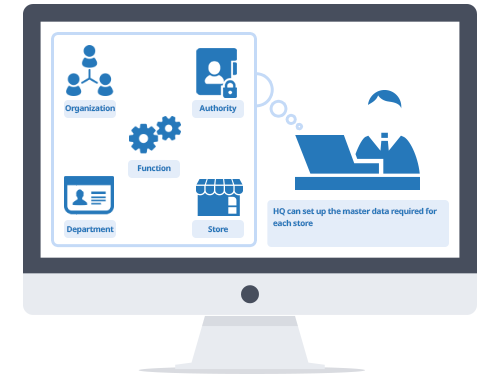
Headquarters performs maintenance to update the necessary master data (store information, organization, and permissions).
This maintenance allows for registering store POS information, business hours, and store format names, setting the scope of stores managed by a manager, and defining which functions each user can access.
Additionally, you can create organizational groups separate from the actual structure for multiple stores (such as FC or format groups) and configure settings to treat several stores as a single entity.
Organization & Group Settings
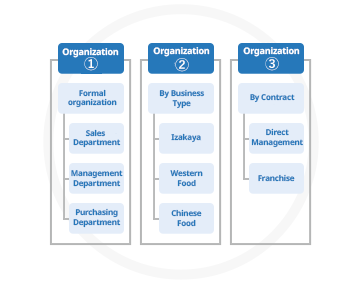
You can create multiple organizational structures, such as groups separate from the main corporate structure.
Time Punching at Multiple Stores
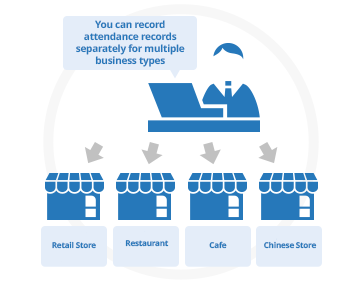
The system allows for clocking in and out on a single terminal while switching between multiple stores.
Appropriate Permission Settings
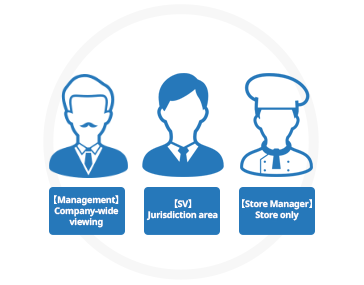
You can set which functions individual users can access at the store and employee level.
Interface
Automatically Link with Other Systems
Interface
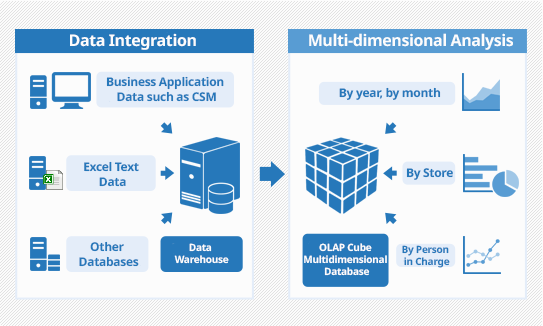
The system automatically integrates with other systems.
Using the built-in data conversion tool, we can achieve automatic data integration with simple configuration, regardless of the target system.
Our integration track record includes host computer linkage, HR system integration (payroll, paid leave, employee data), accounting system integration (journal entries, payments), and EDI integration (invoicing, ordering/receiving).
Furthermore, there is a function for manually integrating master data and performance records, allowing you to freely define the linkage items through a screen-based master setting.
Various System Links
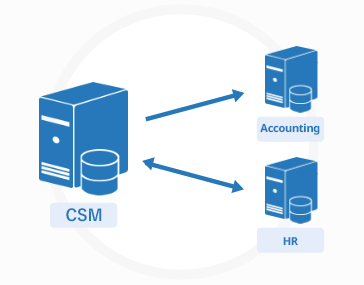
It is equipped with functions to perform data integration with various headquarters systems.
Easy Linking Settings
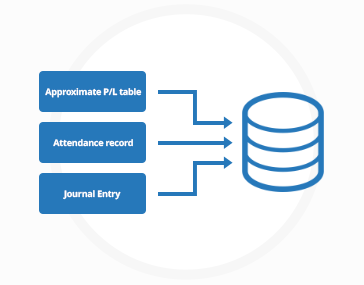
It is easy to configure the settings to input the linked items in the database
Output from the Screen
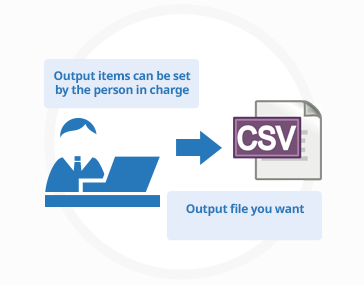
You can perform a bulk data export, and the fields can be customized as needed.
Authentication & Log Management
Identify Users with Fingerprints, Veins, and Felica
Authentication & Log Management
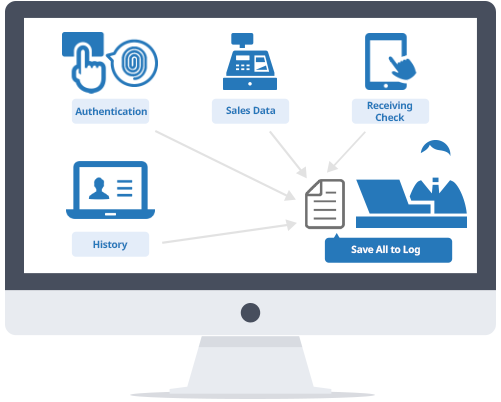
Authentication devices support fingerprint, vein, and Felica authentication.
Authentication can be performed not only for time punching but also when using functions that require permissions, such as manager functions.
All authentication results are recorded in log files, so the authentication rate and correction history of attendance are also retained.
The logs include access logs showing when and who used which functions, authentication logs showing who punched in and when, and the history of who updated the master and when.
Access Logs
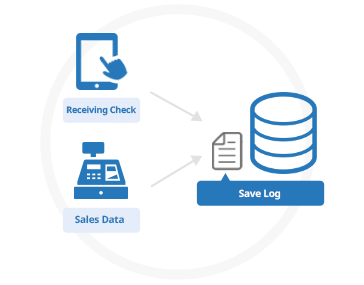
You can refer to when people at the store and headquarters used the functions.
Punching Authentication Logs
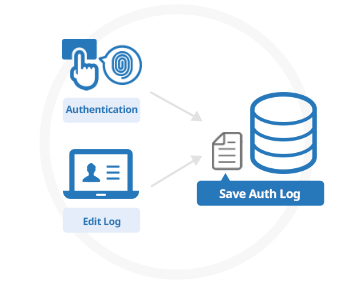
You can easily see who made corrections and when.
Bulk Update Logs
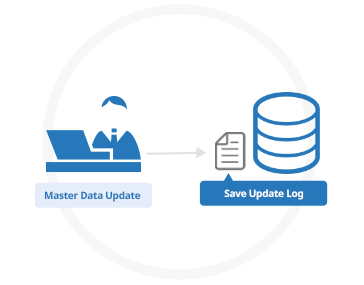
It records who updated the master, when, and which file was used.
See other functions

Store Management Functions

Business Management Functions

Product Functions

Headquarters Monitoring Functions

Headquarters Functions